Who gets in,
and when
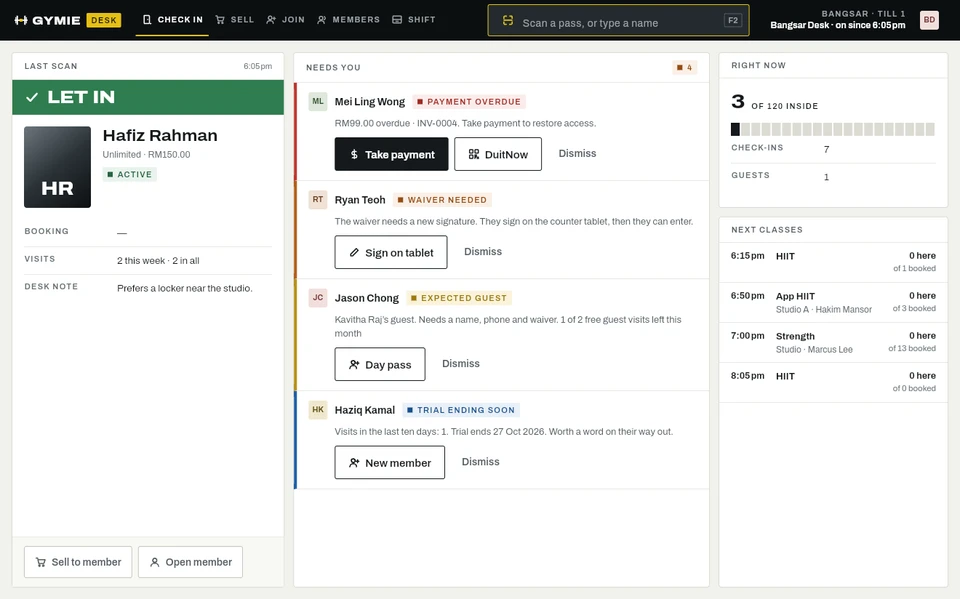
Every check-in runs the same rules: the member’s plan, the time, the branch, what they owe and whether their waiver is signed.
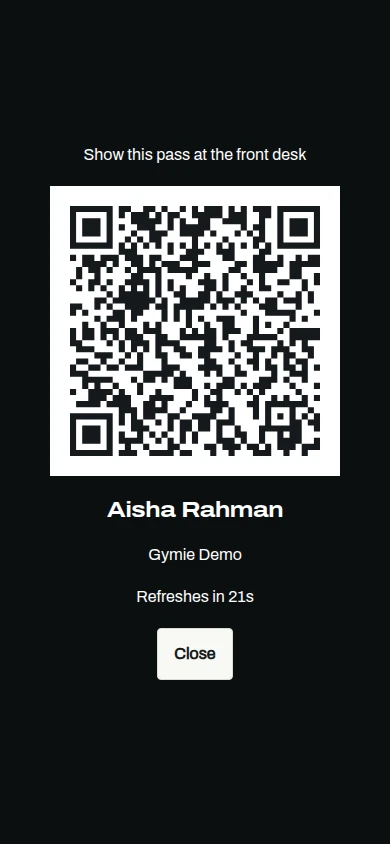
Passes members can’t lend
Each member’s pass changes every 30 seconds. Staff can resend, reissue or cancel it, and every scan is logged.
- Rotating QR in the member app
- Reissue or cancel in one click
- Entry log for every scan
Hours that match the plan
Set staffed hours per branch, and off-peak windows for off-peak plans. The desk applies them at every scan.
- Off-peak plans
- Branch-only plans
- Frozen memberships turned away

Know how full you are
Set a capacity for each branch. The desk counts who is inside and can warn staff when you are full, or turn people away and let a manager decide.
- Capacity per branch
- Warn, or turn away when full
- Manager override with a reason
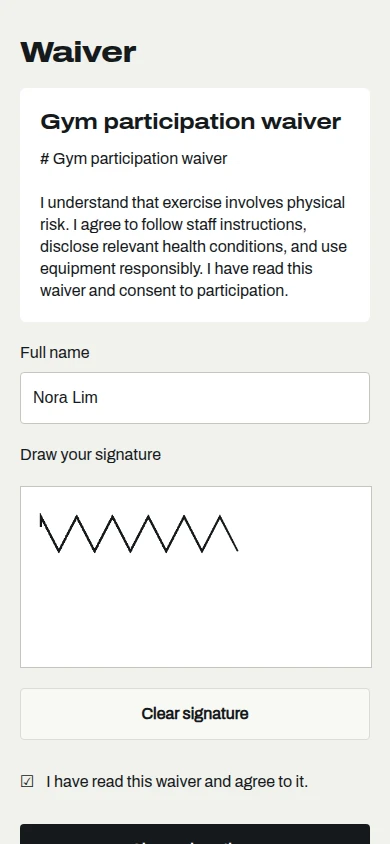
Waivers on file
Members sign your waiver in the app or on the counter screen. When you update it, the desk asks for a new signature at the next visit.
- Signed in the app or at the counter
- Versions kept with every signature
- Expired waivers flagged at check-in
Questions
Talk to usCan I let someone in against the rules?
Yes. Staff override with a reason, and on the desk a manager approves with their PIN. Every override is logged.
How does Gymie count who is inside?
Gymie records entries, not exits, so it counts people who came in within your average visit time. You set that time per branch.
What happens to frozen members?
They are told their membership is paused, and the desk can unfreeze them on the spot.
Do you support turnstiles?
Today, passes are checked at the front desk. Talk to us if you need a gate or turnstile.

See it with your gym
Try the desk now, or message us on WhatsApp and we will set Gymie up with your real plans and prices.
30 days free. No card needed. WhatsApp us